InputOTP
One-time code entry with a fixed number of cells, numeric or alphanumeric, with paste and SMS autofill.
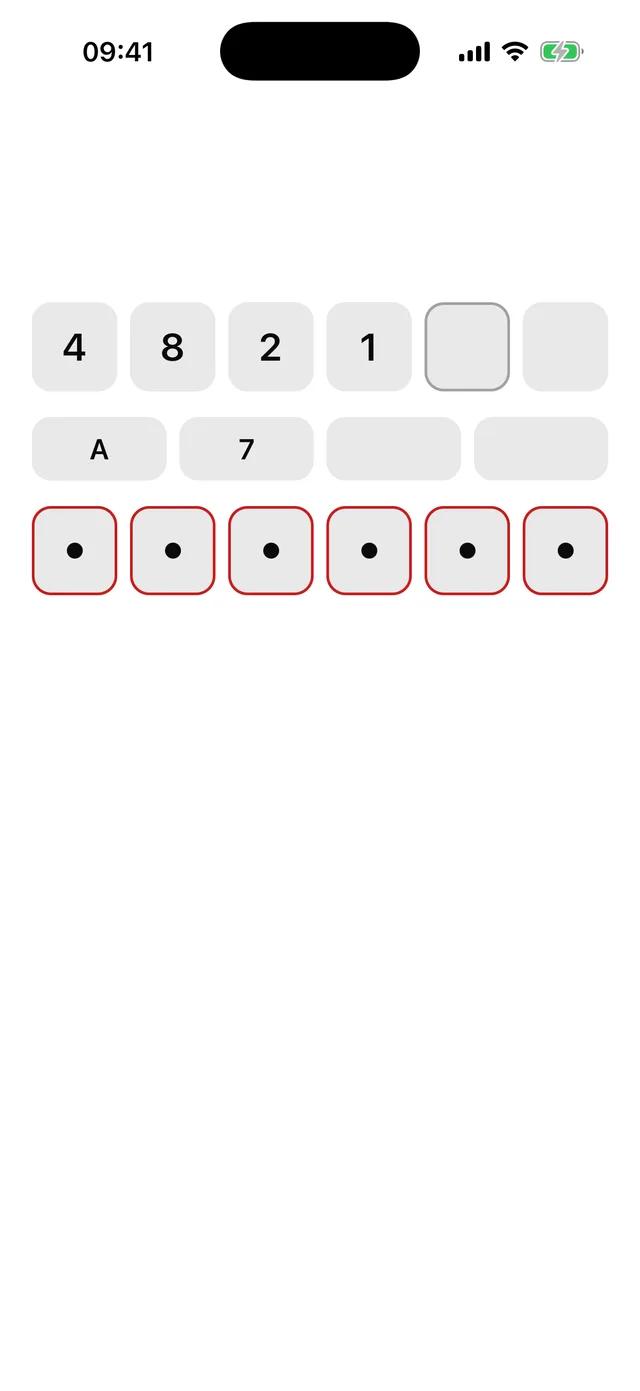
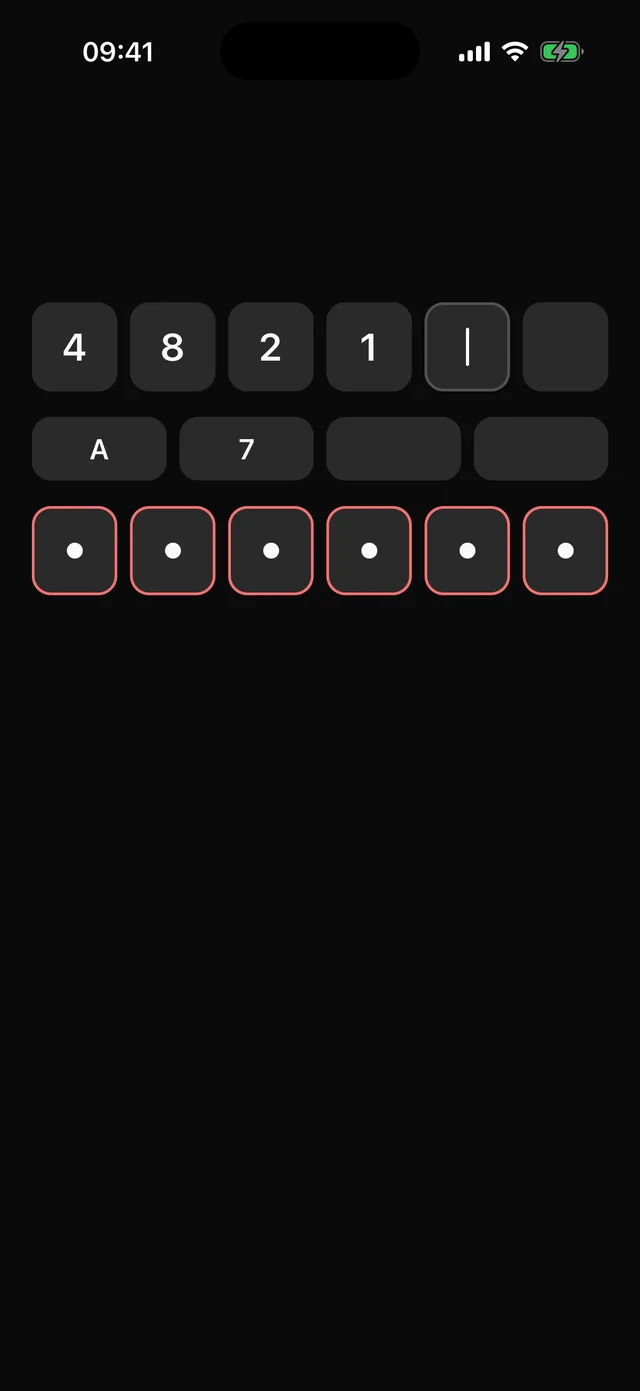
npx @eoria/cli add input-otpUsage
import { useState } from 'react'import { InputOTP } from '@/components/ui/input-otp'
export function Verify() {  const [code, setCode] = useState('')  return (    <InputOTP      length={6}      value={code}      onValueChange={setCode}      onComplete={(c) => verify(c)}      autoFocus    />  )}
<InputOTP length={4} mode="alphanumeric" /><InputOTP length={6} secure invalid />
Props
| Prop | Values | Default |
|---|---|---|
length |
number of cells. Required. | |
mode |
numeric (digits, number pad), alphanumeric (upper-cased letters and digits) |
numeric |
value |
string; controlled | |
defaultValue |
string | '' |
onValueChange |
(value: string) => void |
|
onComplete |
fires once when the last cell fills | |
secure |
draw a dot per character | false |
size |
sm, md, lg |
md |
invalid, disabled |
boolean | false |
accessibilityLabel |
label for the hidden input | Verification code |
styles |
override cell, cellActive, cellFilled, char, caret, mask |
Other TextInput props pass through to the hidden input, so autoFocus, onSubmitEditing and returnKeyType work as usual. The ref points at that TextInput; call focus() on it to open the keyboard.
Notes
One invisible TextInput sits over the row and owns the value; tapping any cell focuses it. That keeps paste, the iOS one-time-code suggestion and Android SMS autofill working without per-cell focus juggling. Characters outside the mode are dropped and the value is cut at length. The active cell shows the focus ring and a blinking caret; the caret stays still under reduce motion. Cells share the Input frame and are hidden from assistive tech; the hidden input reports how many characters are entered in its hint.