Transaction list
Transactions grouped by day in a SectionList, with signed currency amounts and an empty state.
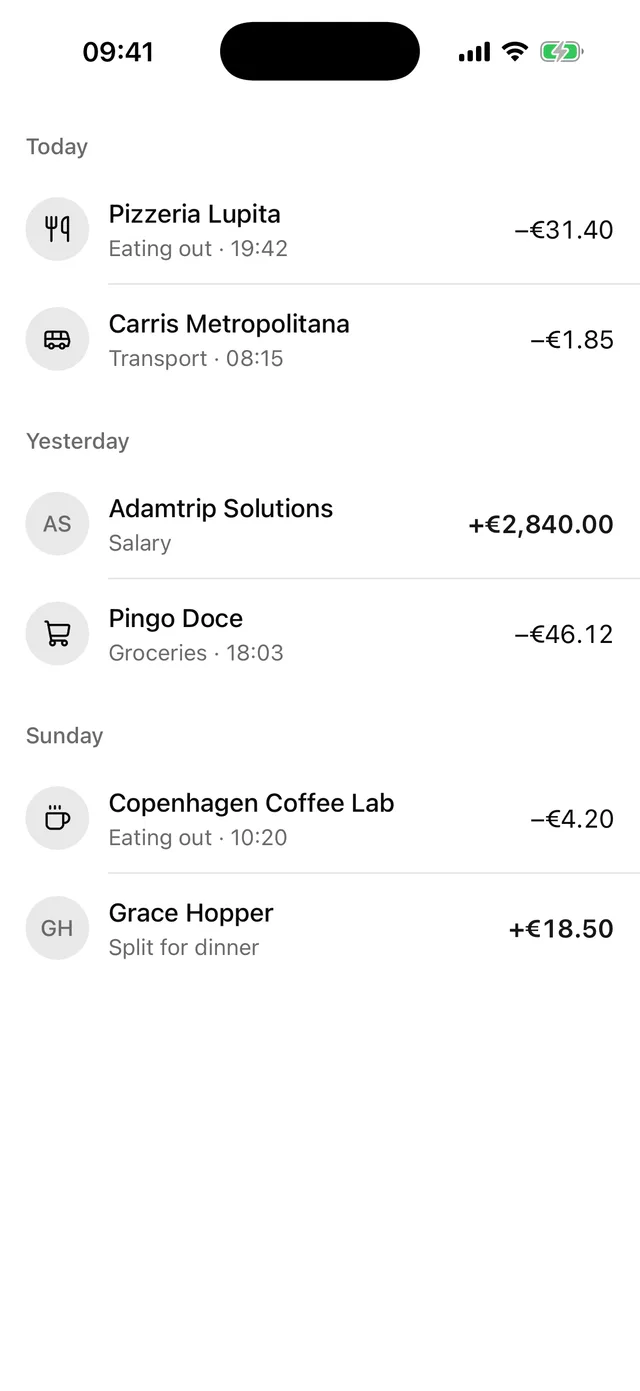
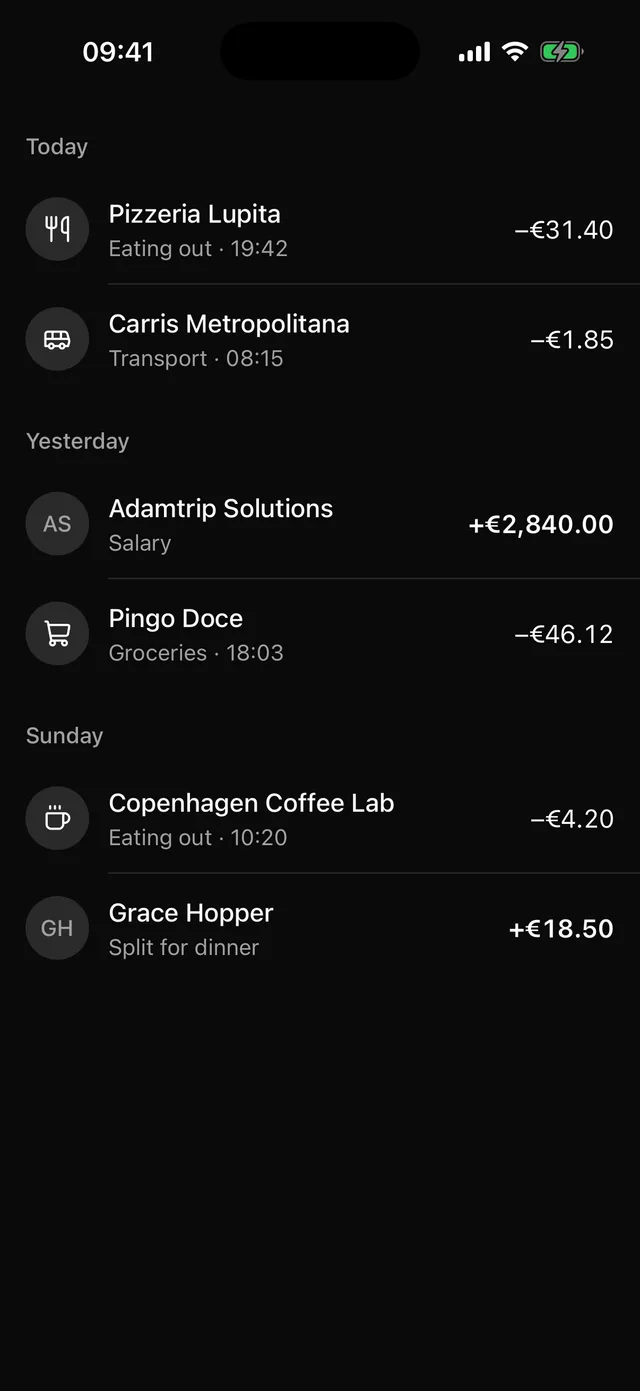
npx @eoria/cli add transaction-listThe command also adds Item, Avatar, Empty, Separator and Text.
Usage
import { Bus, Utensils } from 'lucide-react-native'import { TransactionList, type Transaction } from '@/components/blocks/transaction-list'
const transactions: Transaction[] = [  {    id: '1',    day: 'Today',    title: 'Pizzeria Lupita',    subtitle: 'Eating out · 19:42',    amount: -31.4,    icon: <Utensils />,  },  {    id: '2',    day: 'Today',    title: 'Carris Metropolitana',    subtitle: 'Transport · 08:15',    amount: -1.85,    icon: <Bus />,  },  { id: '3', day: 'Yesterday', title: 'Adamtrip Solutions', subtitle: 'Salary', amount: 2840 },]
<TransactionList  transactions={transactions}  currency="EUR"  locale="en-IE"  onPressTransaction={openTransaction}/>
Props
| Prop | Type | Default |
|---|---|---|
transactions |
Transaction[] |
|
currency |
ISO 4217 code such as EUR |
|
locale |
BCP 47 tag such as pt-PT |
device locale |
onPressTransaction |
(transaction: Transaction) => void |
|
header |
element shown above the first day | |
insetTop |
boolean | true |
style |
StyleProp<ViewStyle> |
Data
type Transaction = { id: string day: string // group label, e.g. "Today" or "12 September" title: string subtitle?: string amount: number // positive is money in, negative is money out icon?: ReactElement // any element accepting `size` and `color` initials?: string // default comes from `title`}Notes
- You supply the
daylabel. The block has no date library and does not sort. Rows with the same label share a section, and sections appear in the order their label first shows up. Sort the array newest first before you pass it in. Intl.NumberFormatformats the amount with yourcurrencyandlocale. The block formats the absolute value and adds the sign itself, a plus for money in and a minus for money out. Money in is also semibold and in theprimarycolour, so the direction never depends on colour alone.- Every row has one
accessibilityLabel, such as “Pingo Doce, Groceries · 18:03, paid €46.12”. A screen reader says “received” or “paid” in place of the sign. - Without
onPressTransactionthe rows are plain Views. With it each row is a button. - A row with an
iconshows it in a round well. A row without one shows an Avatar with initials, which suits transfers between people. - The root is a
SectionListthat fills the screen. With no transactions it shows an Empty state in the centre. Under a navigation header passinsetTop={false}. - Change first: the colour of money in. The theme has no success colour, so the block uses
primary. Add a green to your theme and pointamountInat it if your app wants one.