Checkout summary
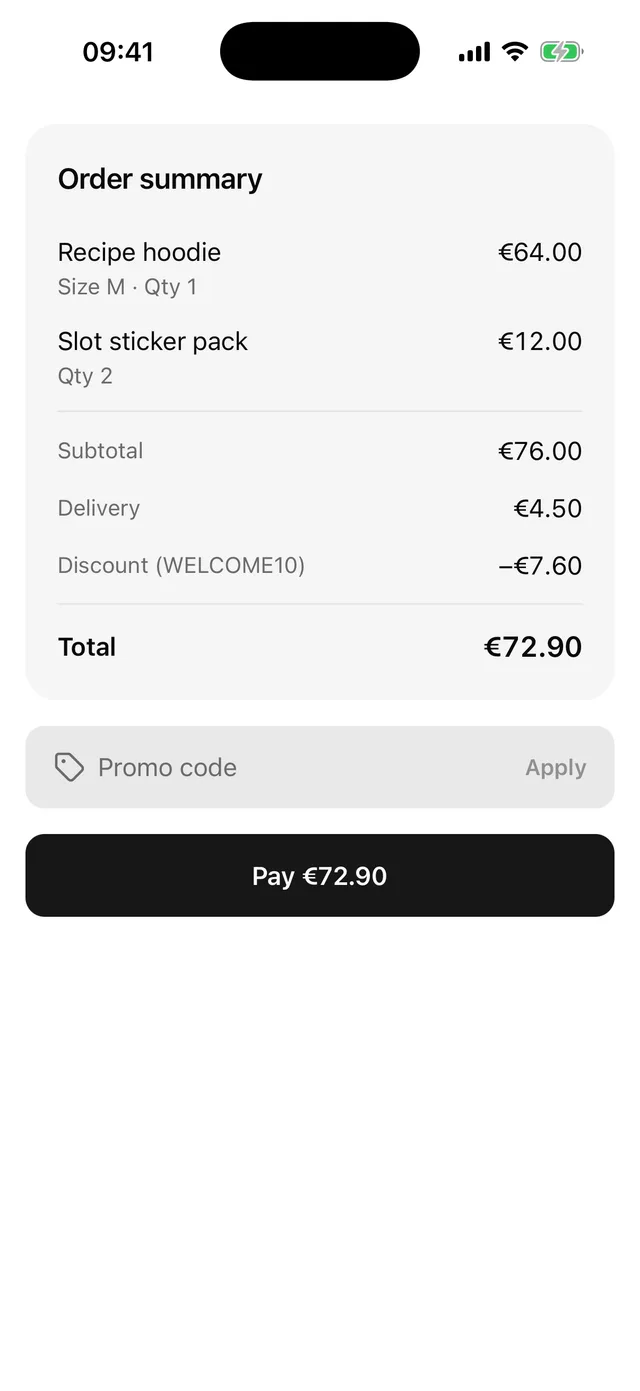
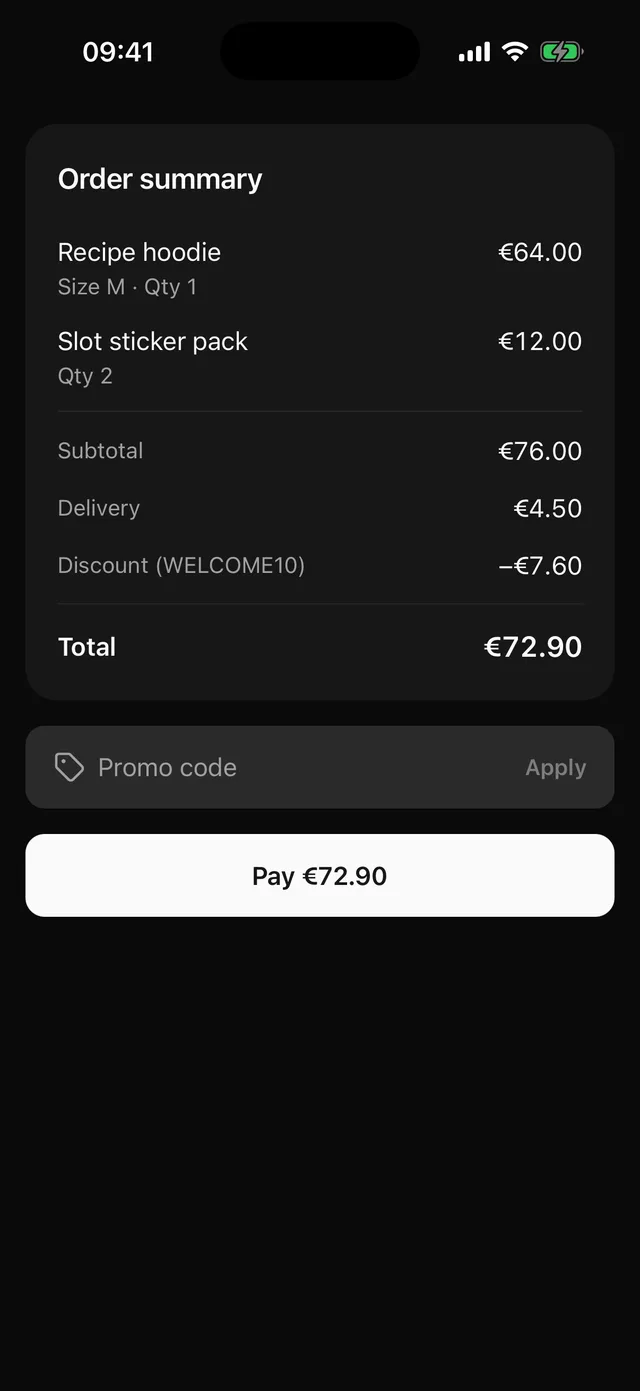
Order lines, subtotal, delivery, discount and total, a promo code field and a Pay button with a loading state.
npx @eoria/cli add checkout-summaryThe command also adds Card, InputGroup, Button, Alert, Separator and Text.
Usage
import { CheckoutSummary, type CheckoutLine } from '@/components/blocks/checkout-summary'
const lines: CheckoutLine[] = [  { id: 'hoodie', title: 'Recipe hoodie', detail: 'Size M', quantity: 1, price: 64 },  { id: 'stickers', title: 'Slot sticker pack', quantity: 2, price: 6 },]
const [discount, setDiscount] = useState(0)
<CheckoutSummary  lines={lines}  delivery={4.5}  discount={discount}  discountLabel={discount > 0 ? 'WELCOME10' : undefined}  currency="EUR"  locale="en-IE"  onApplyPromo={async (code) => {    const result = await checkPromo(code)    if (!result.valid) throw new Error('That code is not valid.')    setDiscount(result.amount)  }}  onPay={async () => {    await pay() // a rejection shows its message above the button    showReceipt()  }}/>
Props
| Prop | Type | Default |
|---|---|---|
lines |
CheckoutLine[] |
|
delivery |
number. 0 reads “Free” |
|
discount |
number taken off, as a positive amount | 0 |
discountLabel |
string shown next to “Discount” | |
currency |
ISO 4217 code such as EUR |
|
locale |
BCP 47 tag such as pt-PT |
device locale |
onApplyPromo |
(code: string) => void | Promise<void> |
|
promoError |
string | |
onPay |
() => void | Promise<void> |
|
style |
StyleProp<ViewStyle> |
Data
type CheckoutLine = { id: string title: string detail?: string // second line, e.g. a size or a colour quantity: number price: number // price of one unit}Notes
- The block adds up the subtotal from
pricetimesquantity, then addsdeliveryand takes offdiscount. The total stops at zero. If your server is the source of the total, replace that sum with atotalprop so the two can never disagree. - The block does not check promo codes.
onApplyPromogets the trimmed code and you answer throughdiscount. While the promise is pending the field is disabled. If it rejects, the field turns invalid and the error’s message shows under it until the user edits the code or applies again. LeaveonApplyPromoout and the promo row goes away. promoErroris for an error you hold yourself, such as one from your cart state. It wins over a rejection message.- While the promise from
onPayis pending the button hasloading, so it shows a spinner, ignores presses, keeps its colours and reads as busy. If the promise rejects, a destructive Alert titled “Payment failed” shows the error’s message above the button. The next press on Pay clears it. - The message comes from
error.message. A rejection that is not anError, or has an empty message, gets a generic line. Throw errors with text a customer can read, and map raw server errors before you rethrow them. - The block skips its state updates once it has unmounted, so a payment that ends in a navigation is safe.
- Each line, each amount row and the total is one element for screen readers, such as “Total, €72.90”. The error under the promo field is a polite live region and the payment Alert has the
alertrole. - The root has no padding and no
flex: 1. For a screen, put it in aScrollViewwithkeyboardShouldPersistTaps="handled", so the first tap on Apply counts while the keyboard is up. - Change first: the “Order summary” title and the Pay label, for example “Place order” when payment happens later.